

The Klizer AWS S3 Integration Module provides seamless connectivity between Akeneo PIM and Amazon S3, allowing organizations to offload media assets from the Akeneo server to highly scalable, secure S3 storage.
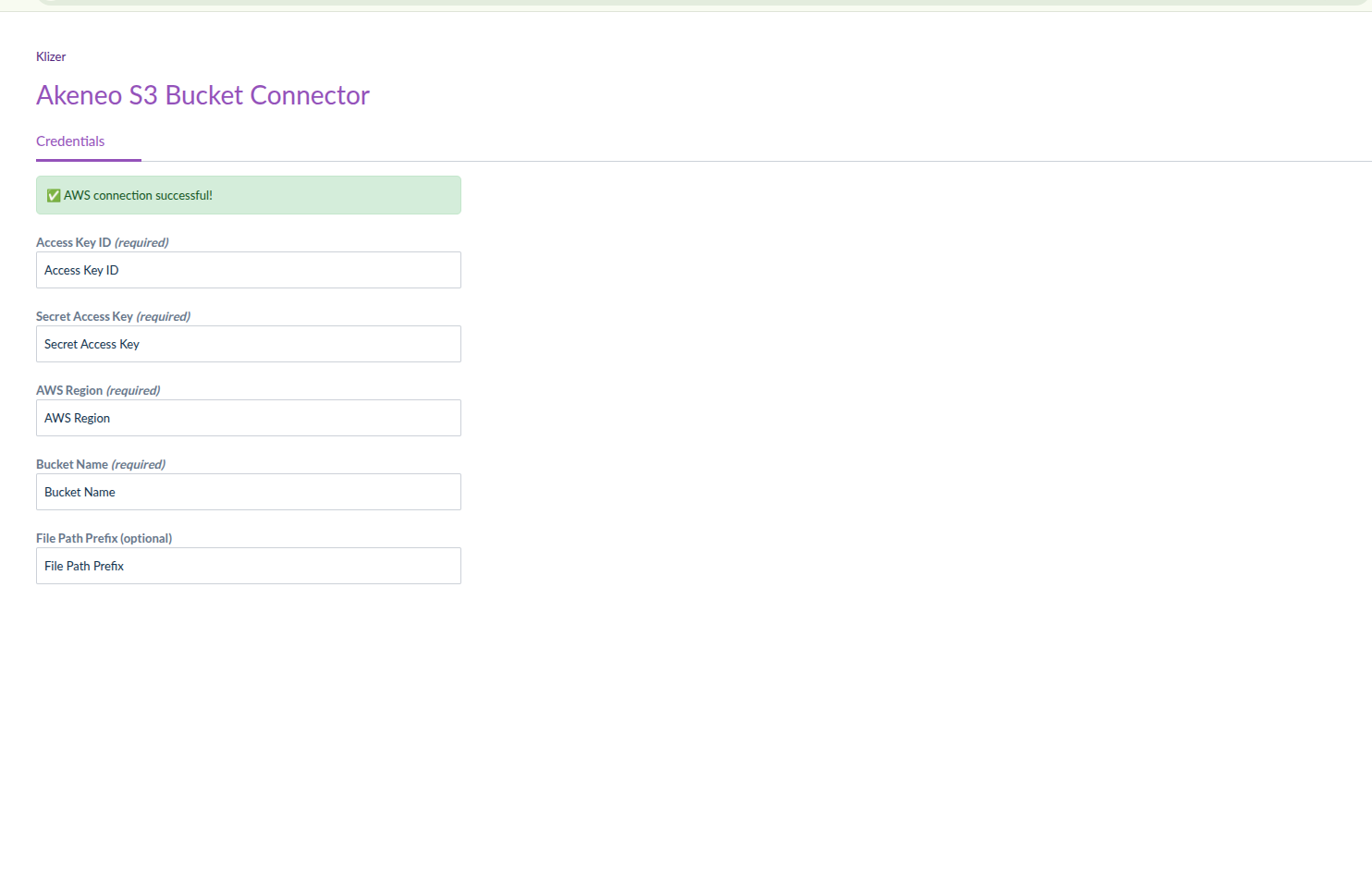
Akeneo does not offer native support for AWS S3, so this custom extension introduces a complete, automated, and user-friendly solution. The module features a dedicated configuration UI within Akeneo, enabling users to set AWS credentials, bucket details, region, and prefixes without requiring manual configuration file edits.
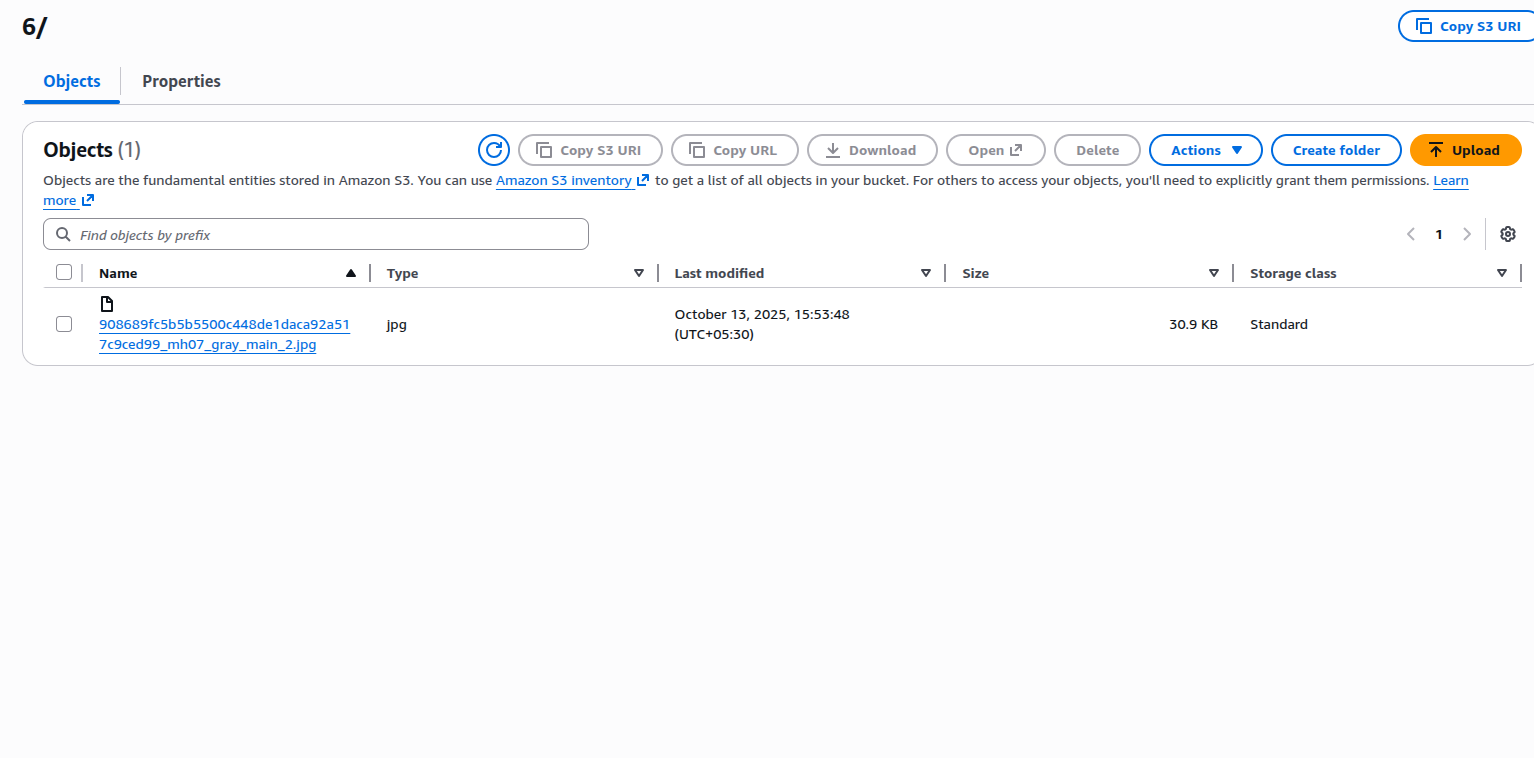
Media uploads, imports, and previews are fully automated. Once configured, all new media files are instantly stored in S3, and Akeneo retrieves them in real time when needed. This significantly improves application performance, reduces server disk usage, and ensures consistent media management across all environments. This extension is ideal for businesses with large media libraries—such as fashion, home decor, furniture, lighting, and electronics—who require high performance, scalability, and centralized asset management.
Key Scenarios Considered:
- Multi-Environment Deployment (Dev/Stage/Prod) : Supports unique S3 buckets or prefixes per environment using environment variables.
- Non-Technical Users Managing AWS Settings : A user-friendly UI ensures configuration can be done without touching YAML or code.
- Automated Media Sync : All new media files are automatically uploaded to S3 with no manual file transfers.
- Security & Compliance Requirements : Supports AWS-managed encryption (SSE-S3, SSE-KMS) and IAM policies for secure access.
- Migrating Existing Media : Existing media stays in place initially—the module handles all new uploads, enabling controlled migration.
Features
- AWS S3 Storage Integration
- Stores product images, videos, PDFs, and documents directly in S3.
- Reduces reliance on Akeneo’s local filesystem.
- Dedicated Akeneo Configuration UI
- Manage AWS keys, bucket name, region, and folder prefix from Akeneo’s GUI.
- No manual YAML or server changes needed.
- Automatic Media Uploads & Retrieval
- Seamless, real-time upload of new media to S3.
- Fetches and displays S3 media inside Akeneo instantly.
- Connection Test Tool
- Validates AWS credentials and bucket access from the UI.
- Shows clear success or error messages.
- Performance Optimization
- Faster imports/exports.
- Reduced server disk usage.
- Lightweight and scalable for large product catalogs.
- Secure Cloud Storage
- Compatible with AWS IAM roles and policies.
- Supports encrypted buckets (SSE-S3 / SSE-KMS).
- Environment-Based Configuration
- Allows separate configuration for Dev, Stage, and Production environments.